Author: renjithbs
-
What is Identity Theft
Engage in online harassment or bullying. Steal sensitive information, such as login credentials or financial data. Scams:Fake profiles may be used to promote phishing schemes, investment scams, or other fraudulent activities.Common Tactics Profile Cloning:Criminals create exact replicas of a victim’s profile, often using stolen photos and biographical information. Social Engineering:Scammers use psychological manipulation to trick…
-
Introduction to Useful Wireshark Filters
Wireshark is a powerful network protocol analyzer that helps users capture and analyze network traffic. To make the most out of Wireshark, using the right filters is essential. Filters help narrow down the traffic to specific protocols, IP addresses, or ports, making it easier to analyze and troubleshoot network issues. Filter by IP Address: ip.src…
-
How to check network latency using Wireshark
To test network latency using Wireshark, follow these steps to effectively capture and analyze packet data:Setting Up Wireshark Install Wireshark: Download and install the latest version of Wireshark from the official website.Select the Network Interface: Open Wireshark and choose the appropriate network interface to capture packets. This is typically your Ethernet or Wi-Fi connection. Capturing…
-
What is DNS over HTTPS (DoH)
DNS over HTTPS (DoH) is a protocol that encrypts Domain Name System (DNS) queries and responses between a client (e.g., a web browser or operating system) and a DNS resolver (e.g., Quad9). This encryption protects DNS data from being intercepted, modified, or logged by third-party entities, such as Internet Service Providers (ISPs) or network administrators.…
-
Connecting OSPF Areas without Virtual Links
To connect two OSPF regular areas without a virtual link, you can use a GRE (Generic Routing Encapsulation) tunnel. Here’s a step-by-step guide: Why GRE Tunnel? A GRE tunnel allows you to encapsulate OSPF packets within a GRE header, which can be routed through a non-OSPF area. This approach eliminates the need for a virtual…
-
Python script to check if VDB databases are updated in Cisco FMC
To check if VDB databases are updated in Cisco FMC and print the results to an Excel file using Python, you can use the following approach: 1.Access Cisco FMC through API: Use the Cisco FMC API to retrieve the VDB database information. You can find more details about the API in the Cisco FMC API documentation.…
-
Key Features of Sliver Peak SD-WAN
Silver Peak, now part of Hewlett Packard Enterprise (HPE) Aruba, offers a software-defined wide-area networking (SD-WAN) solution, EdgeConnect. This comprehensive platform enables enterprises to transform their legacy WAN architectures into a robust, secure, and efficient SD-WAN. Benefits
-
Migrate APs from Old WLC to 9800
Python script to move access points from an old WLC (Wireless LAN Controller) to a new Cisco Catalyst 9800 WLC: Example Code Snippets import netmiko old_wlc_ip = ‘192.168.1.100’old_wlc_username = ‘admin’old_wlc_password = ‘password’ ssh_conn = netmiko.Netmiko(hostname=old_wlc_ip,username=old_wlc_username,password=old_wlc_password) config_data = ssh_conn.send_command(‘show running-config’) 2.Processing data to extract AP information: import csv ap_info = []for line in config_data.splitlines():if ‘ap-name’ in…
-
How to set up AnyConnect VPN in Cisco Firepower Threat Defense (FTD)
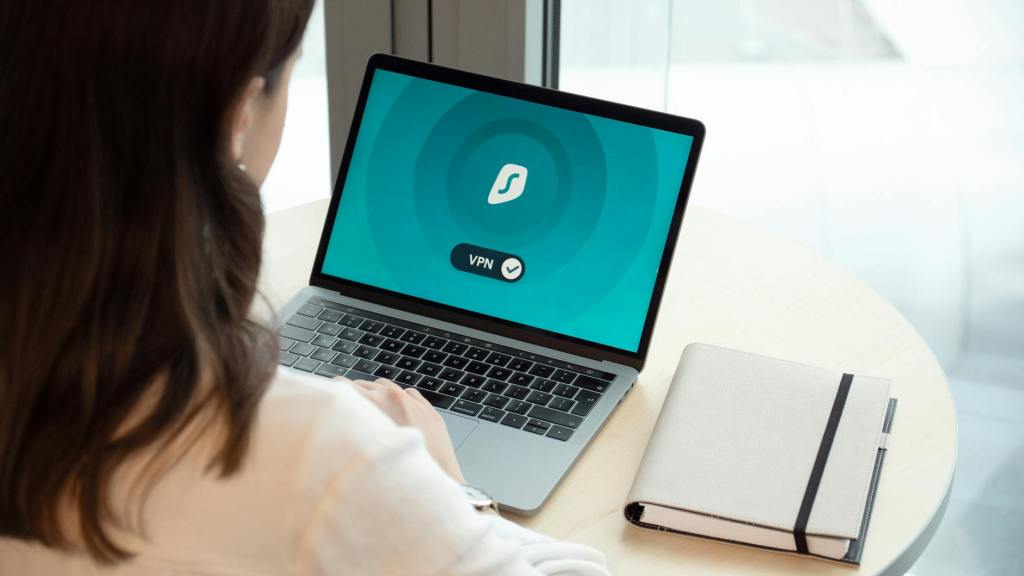
here’s a step-by-step guide on how to set up AnyConnect VPN in Cisco Firepower Threat Defense (FTD): Prerequisites Step 1: Configure Remote Access VPN Policy Step 2: Configure Client Profiles Step 3: Upload AnyConnect Images Step 4: Configure Remote Access VPN Connection Step 5: Save and Deploy Policy Step 6: Verify AnyConnect Client Installation Additional…
-

SD-WAN vs VPN Comparison
SD-WAN: VPN: Comparison Highlights: In Summary: SD-WAN and VPN are both essential technologies for securing and managing network connections. SD-WAN is designed for large-scale, distributed networks, offering advanced features like traffic optimization and centralized management. VPNs, on the other hand, provide point-to-point encryption and are well-suited for smaller, more focused connections. When choosing between SD-WAN and VPN,…
 The Lazy Networker